
Distraction-free reading
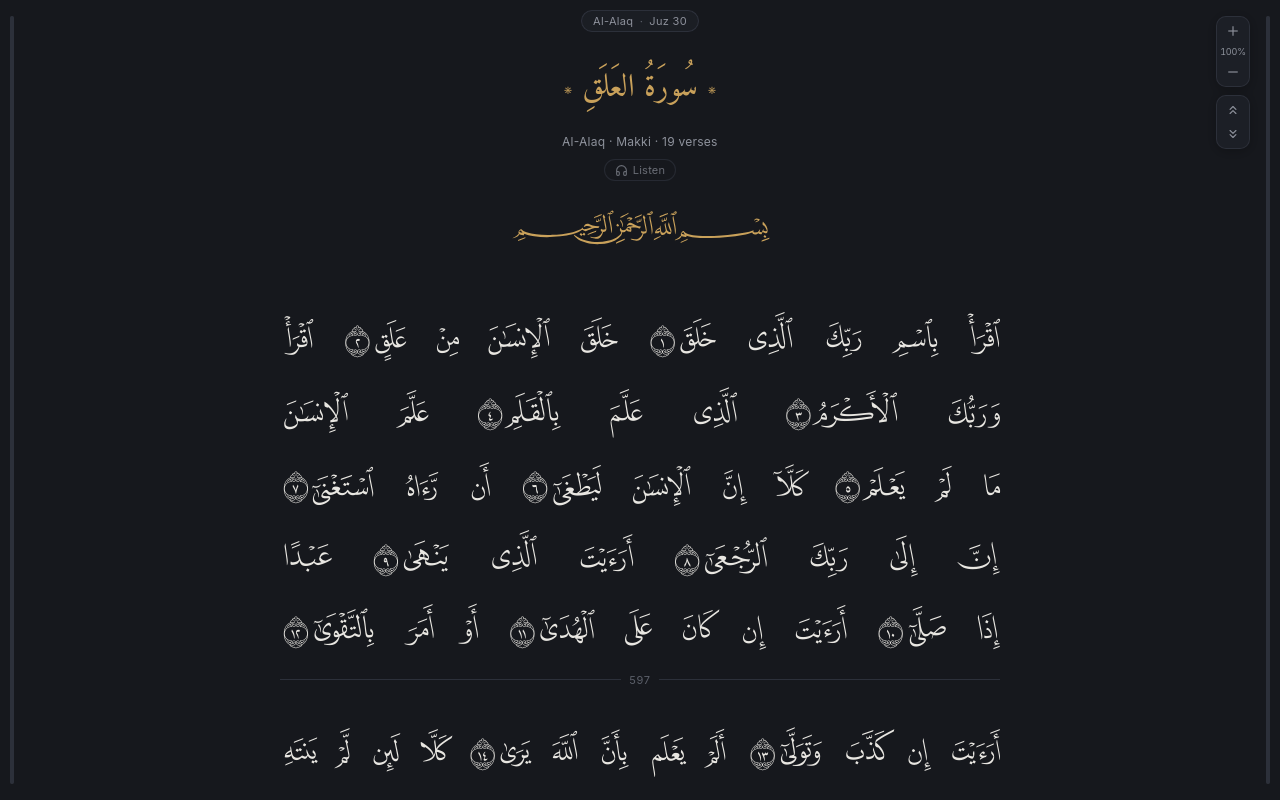
Press f for focus mode: the toolbar and sidebar disappear and only the verses remain. Go full screen with F11 (on a Mac, focus mode does it for you). Pick a dark, light or sepia theme that suits the room.
ٱقْرَأْ بِٱسْمِ رَبِّكَ ٱلَّذِى خَلَقَ
Al-ʿAlaq · 96:1
A free Quran reader for Windows, macOS and Linux. Everything you need to read is already inside the app, so it works with no internet, no account and nothing in the way of the text.
Offline first
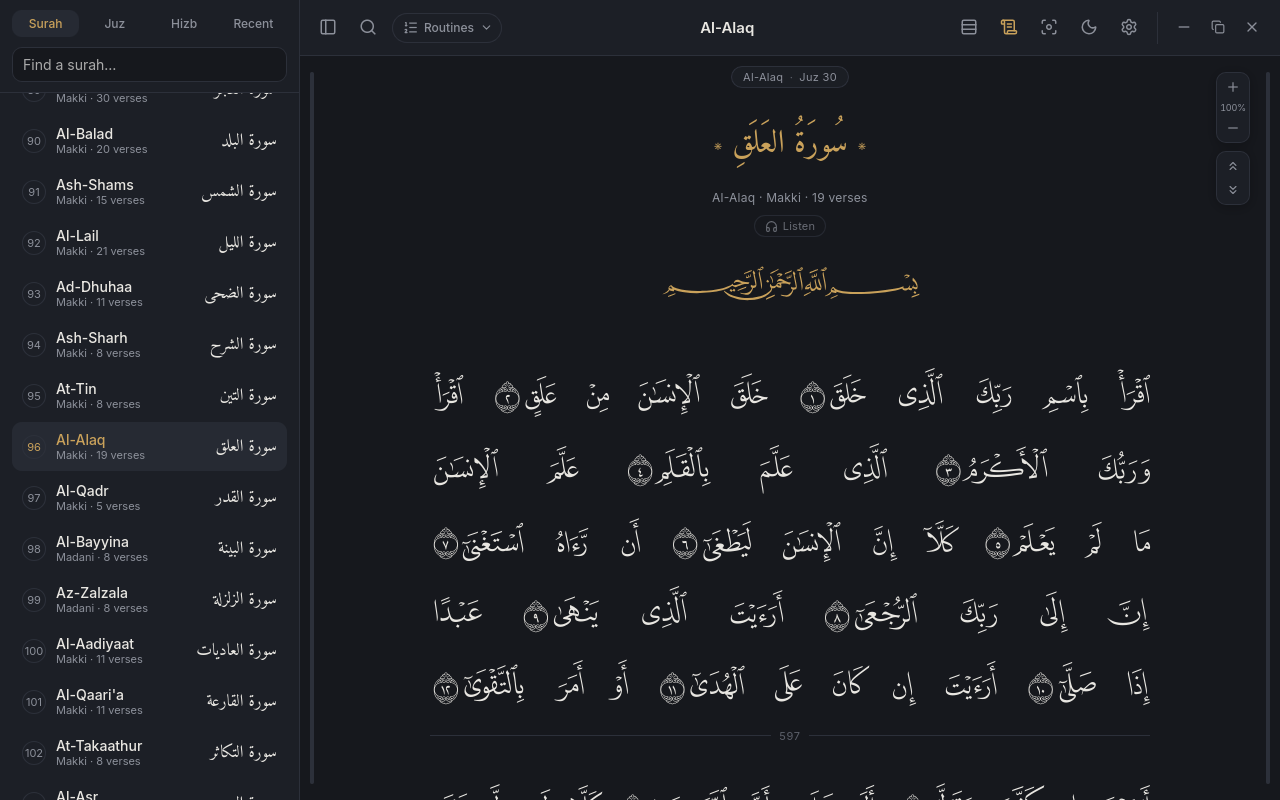
Most Quran apps load the text from a server, which means they stop working when your connection does. Quran Reader carries the complete text and all 604 Mushaf pages inside the app, so it opens and reads the same on a plane, in a masjid with no signal or on a computer that never goes online.
Everything here exists to keep you with the text, and out of menus.
Press f for focus mode: the toolbar and sidebar disappear and only the verses remain. Go full screen with F11 (on a Mac, focus mode does it for you). Pick a dark, light or sepia theme that suits the room.
Press a and the page moves on by itself, so your hands can rest. Drag the speed handle, or use Shift+↑ / ↓, until it matches your pace. Space pauses.
The app opens where you stopped. Every Surah, Juz, Hizb and page remembers your place on its own, and the Recent list keeps each sitting with the verses it covered, so you can go back to any of them.
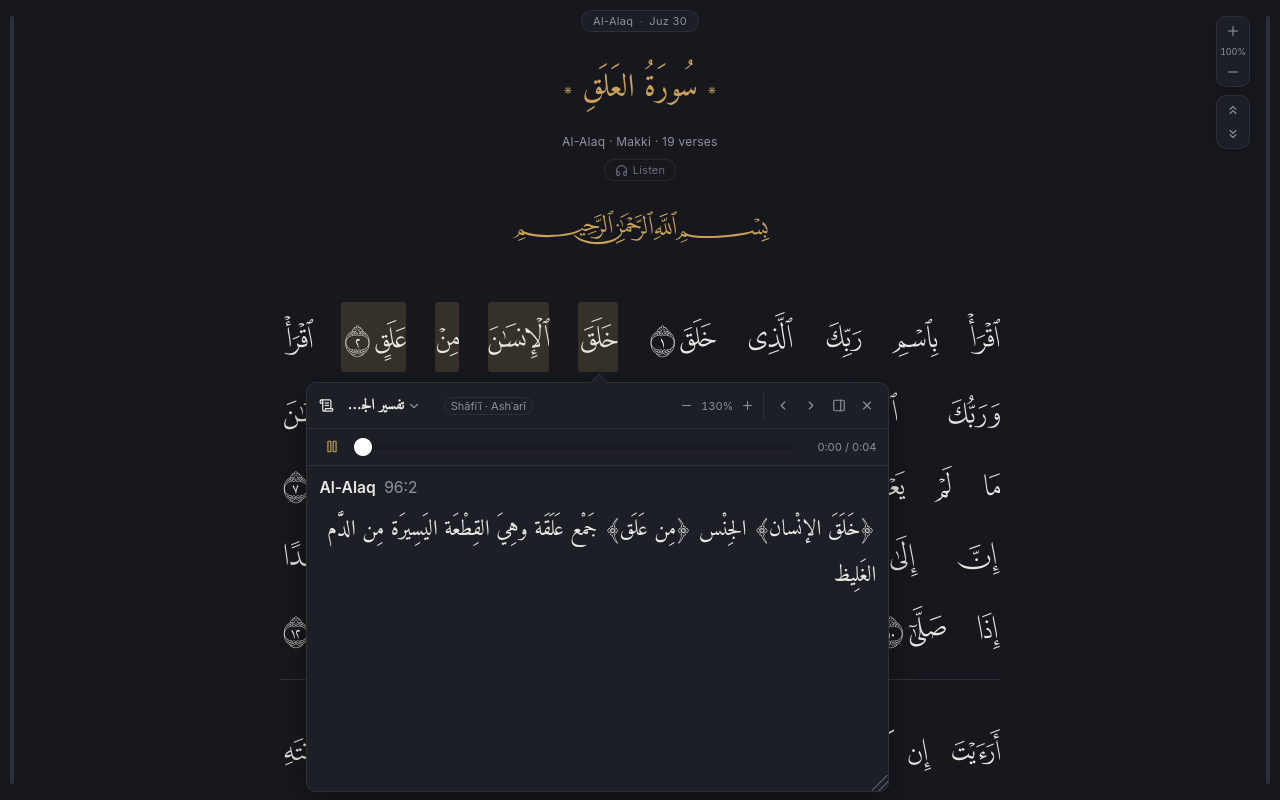
Five reciters, all Ḥafṣ ʿan ʿĀṣim. Hear a single verse when a word doesn't sit right, repeat it a set number of times with a pause to say it back, or listen to a whole Surah. Save a Surah's audio to play offline.
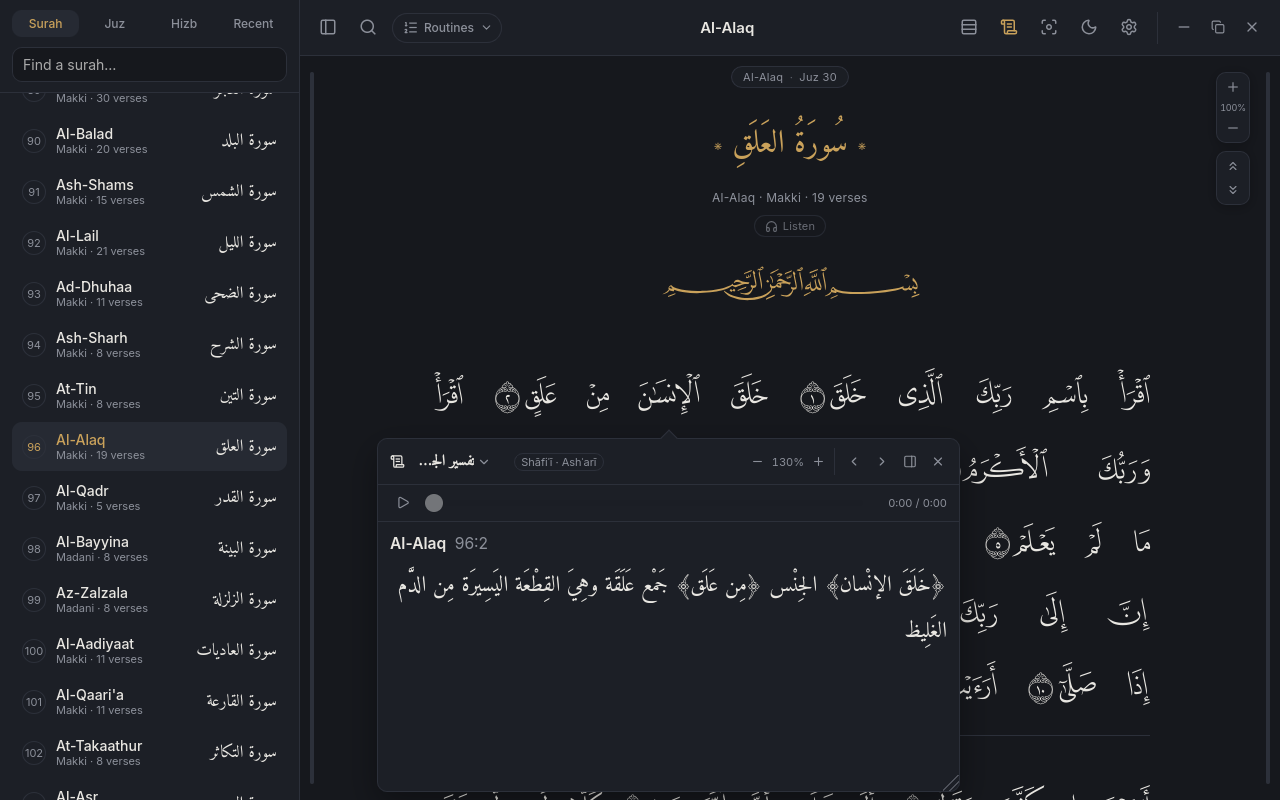
Tafsīr Ibn Kathīr and Tafsīr al-Jalālayn, each in Arabic and in English. Download an edition once and it sits beside the verse you are reading, offline, following you as you go. Each is labelled with its school of fiqh and its creed, so you know how it reads the verses.
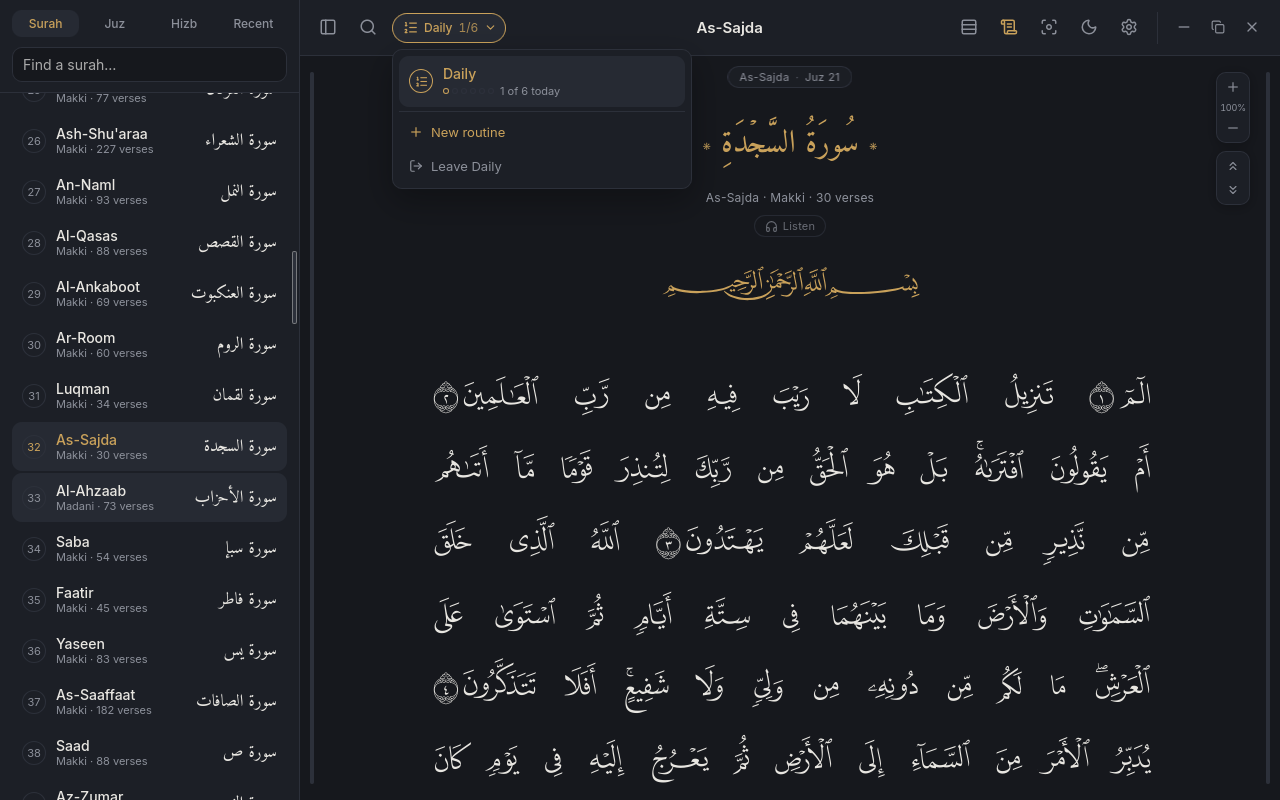
Make a routine like “Morning: Yā-Sīn, Al-Wāqiʿah, Al-Mulk” and read it as one set. The end of each Surah leads to the next in your routine, the toolbar shows how far along you are today, and every routine starts fresh the next day.
255, 2:255 or p255
Free on all three platforms. Every installer is also on the releases page.
Quran Reader is a desktop app. Open this page on your Windows, Mac or Linux computer to download it.
The installers aren't code-signed yet, so Windows and macOS will warn you the first time you open the app. Each install guide shows how to get past the warning.
Yes. It is open source under the MIT license, with no ads, no account and no paid tier. The source code is on GitHub.
Yes. The Quran text and the Mushaf fonts come with the app, so reading never needs a connection. Recitation and tafsir are downloaded once, the first time you ask for them, and work offline after that.
The builds aren't code-signed yet. Signing certificates cost money every year, and until the project has them your system can't confirm who made the installer. The Windows and macOS install guides show how to open it anyway.
The page view follows the Madani Mushaf (604 pages) in the King Fahd Complex (KFGQPC) QCF v4 fonts. The scrolling reader uses the Uthmani text from the Tanzil Project.
Not at the moment. Quran Reader runs on Windows, macOS and Linux.
Not yet. Search and translations are planned. You can follow progress or suggest features on GitHub.